
Shoes
Choose sneakers, casual shoes, boots or sandals first, then compare the silhouettes and source photos within that type.
A little direction for your next find.
Choose sneakers, casual shoes, boots or sandals first, then compare the silhouettes and source photos within that type.
Browse T-shirts, shirts, hoodies, sweaters, polos and jerseys to find the pictured cut or print you are looking for.
Move directly into pants, shorts or skirts, then use brand and sort order to make a more focused comparison.
Explore jackets, trench coats, down jackets and blazers. Open a listing for its pictured styles and separate QC references.
Look through tracksuits and loungewear sets. The source listing is where you confirm the pieces included in a particular set.
Start with underwear or socks. Use the pictures to compare the design, then check actual options on the official product page.
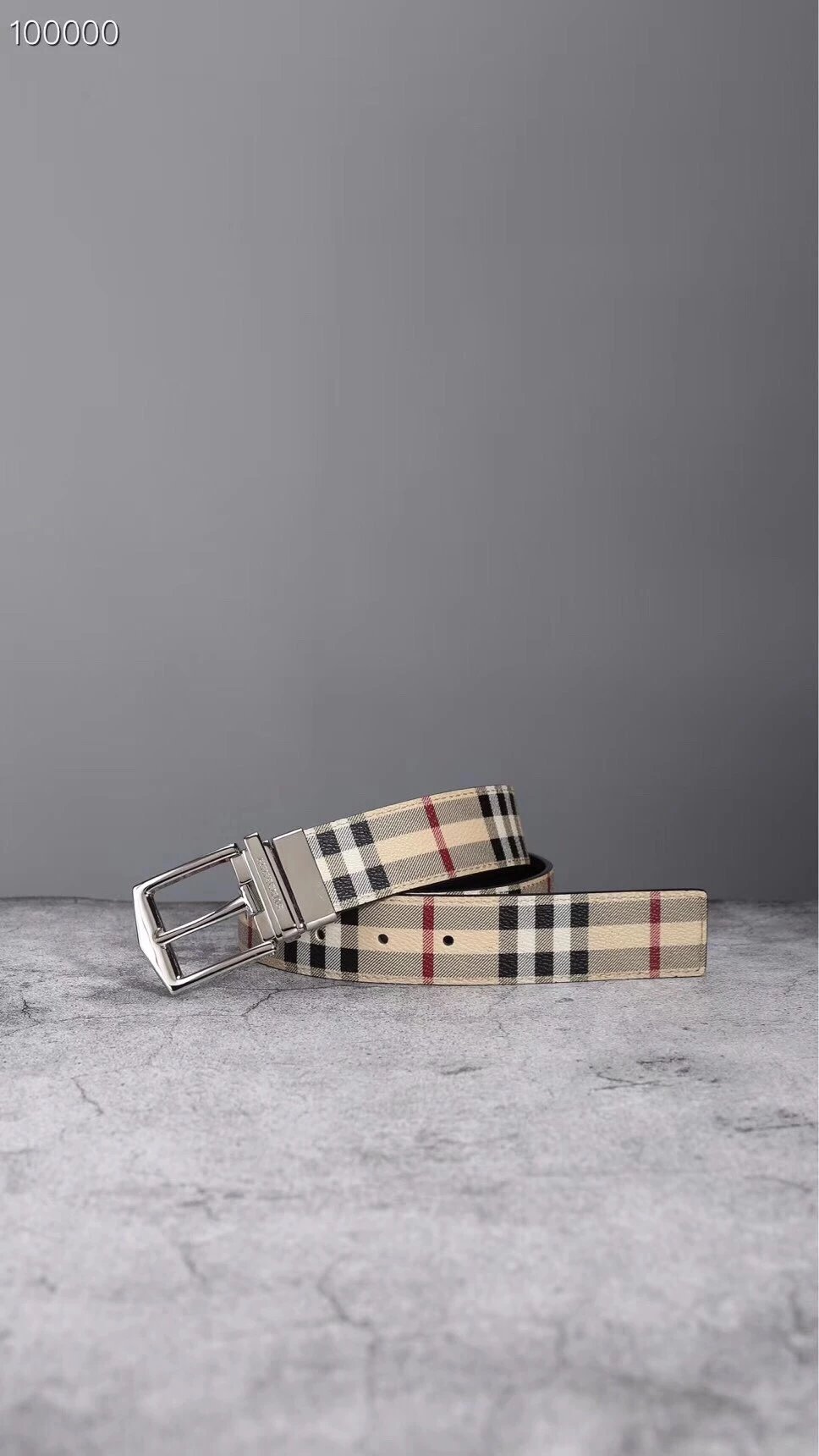
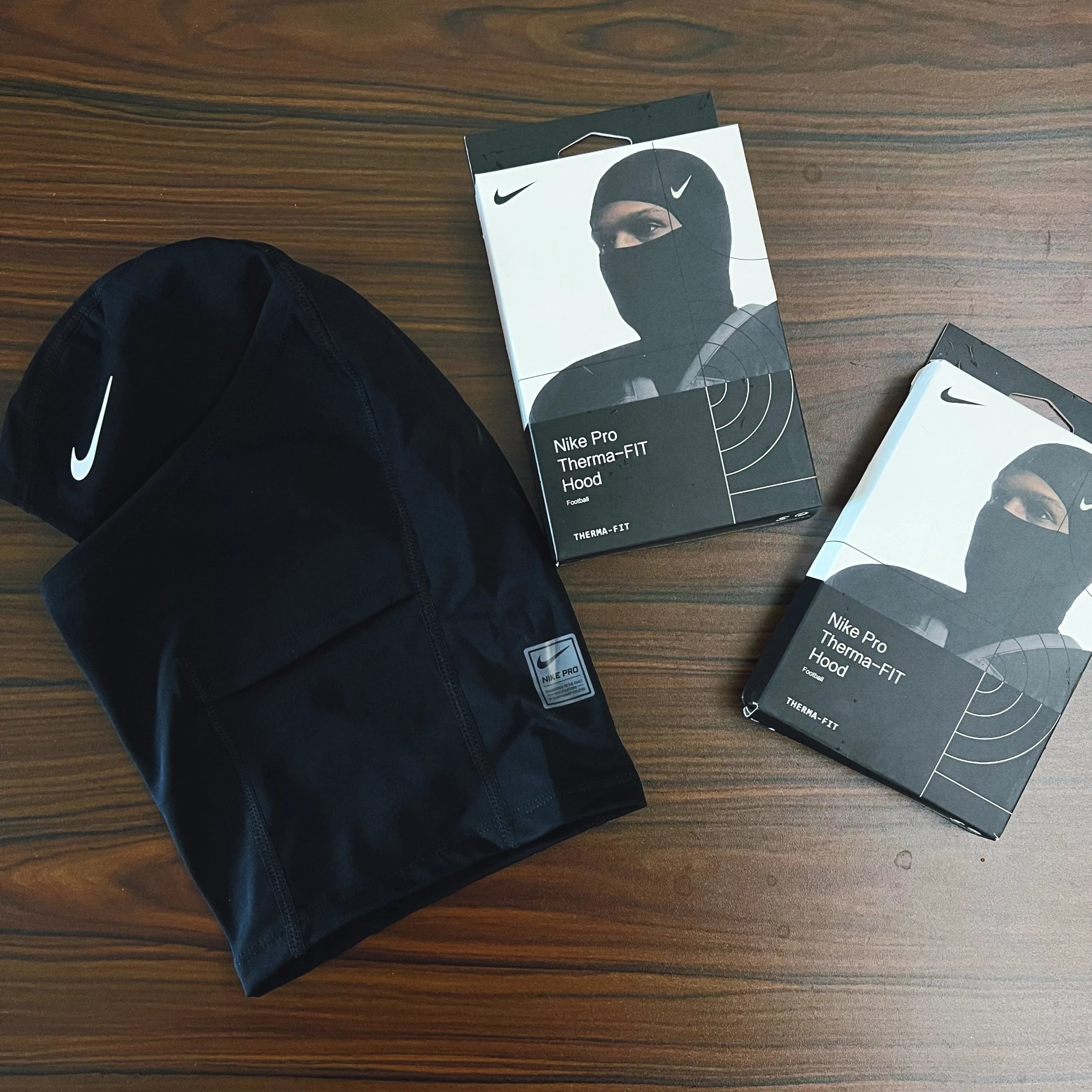
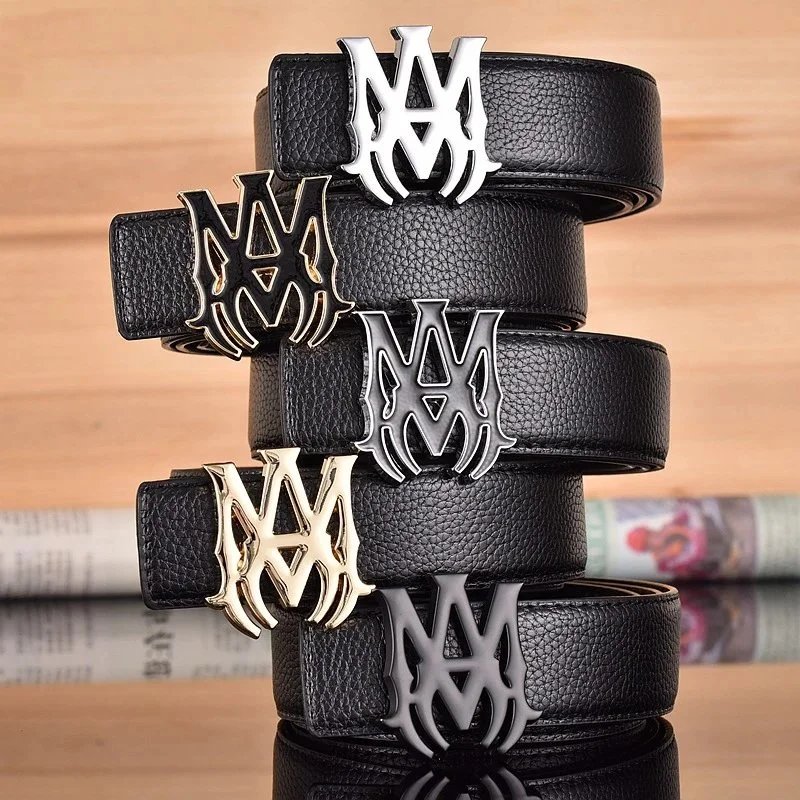
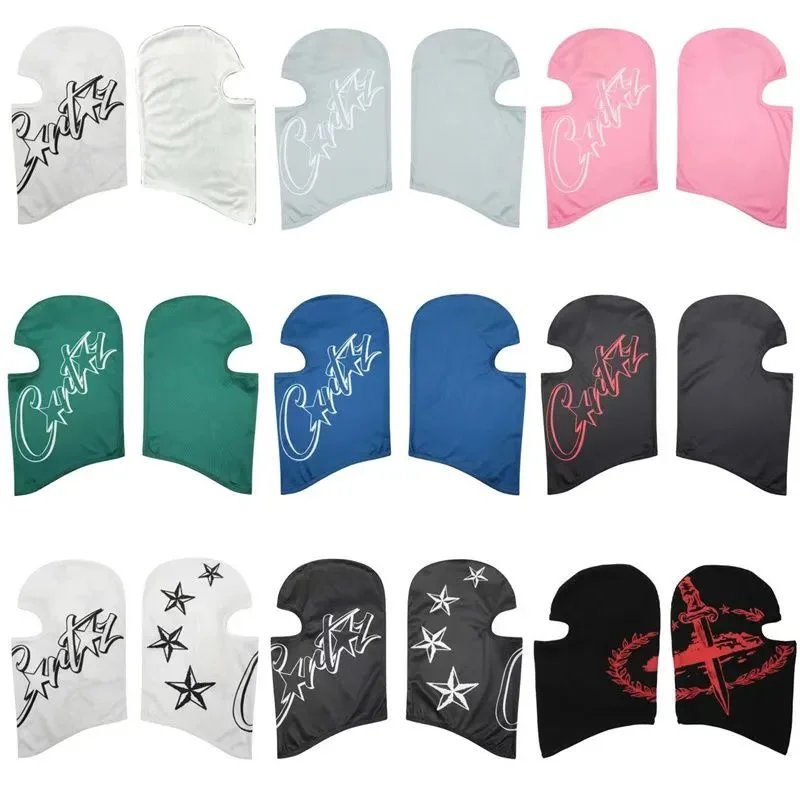
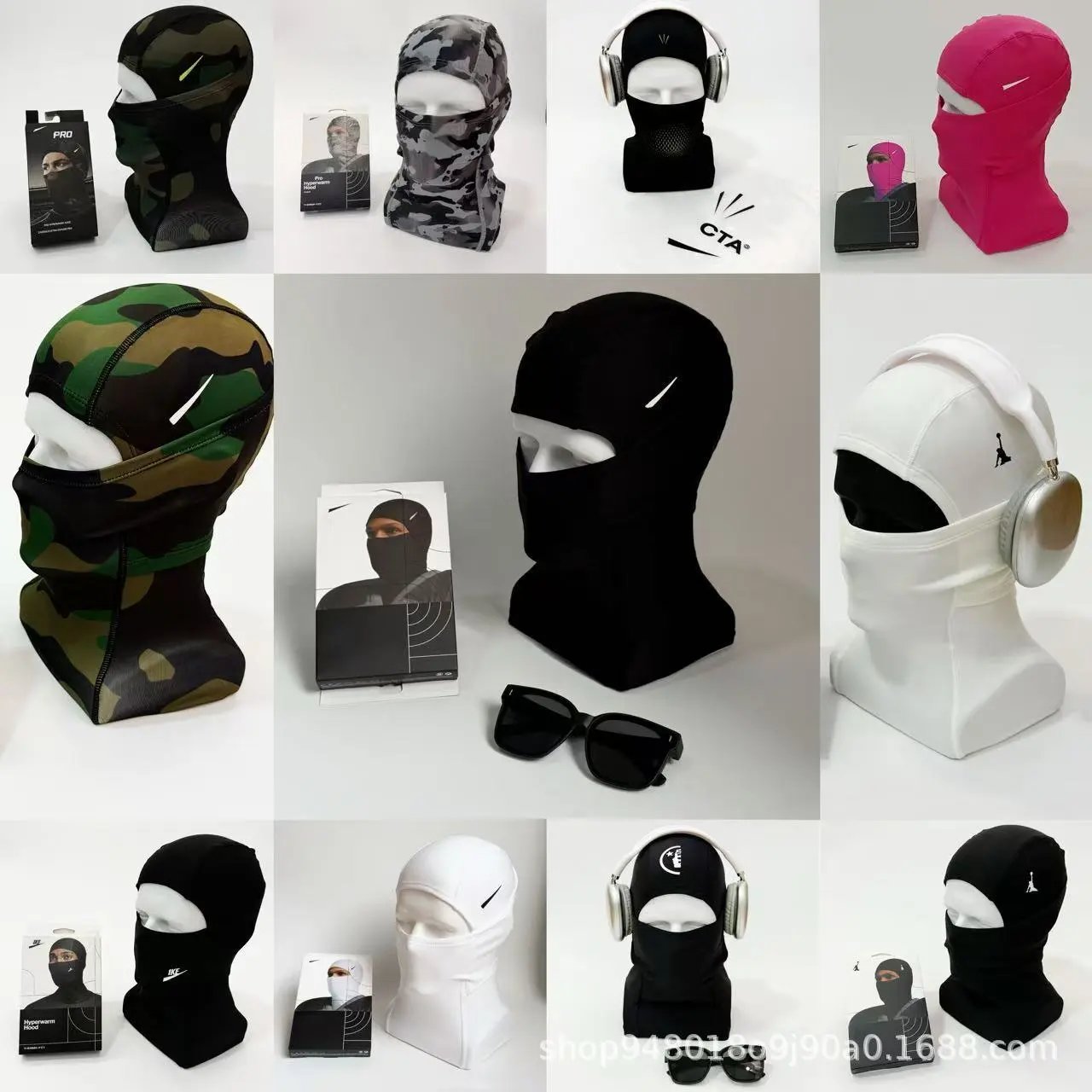
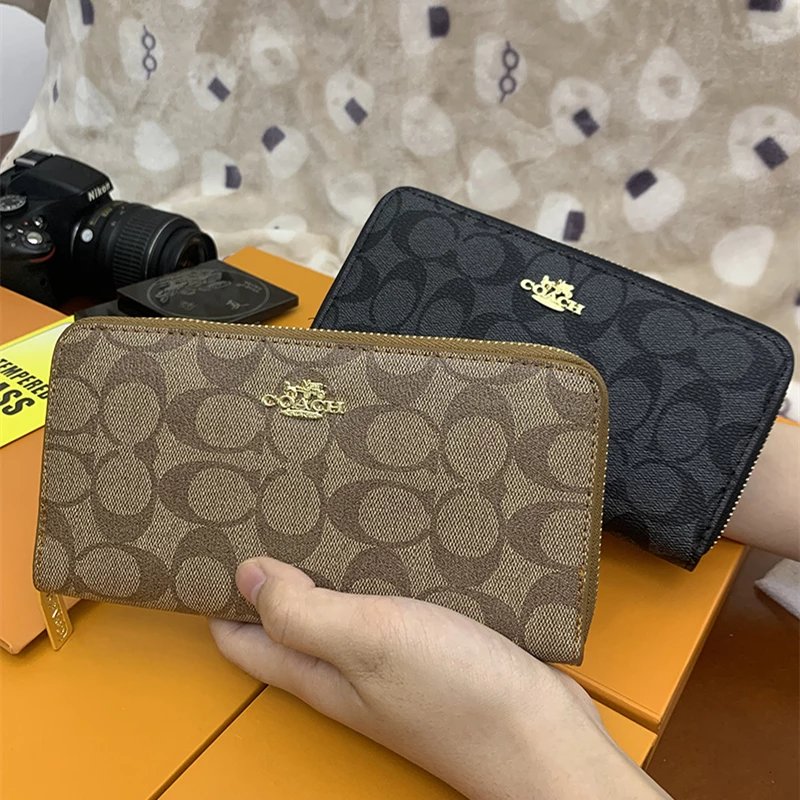
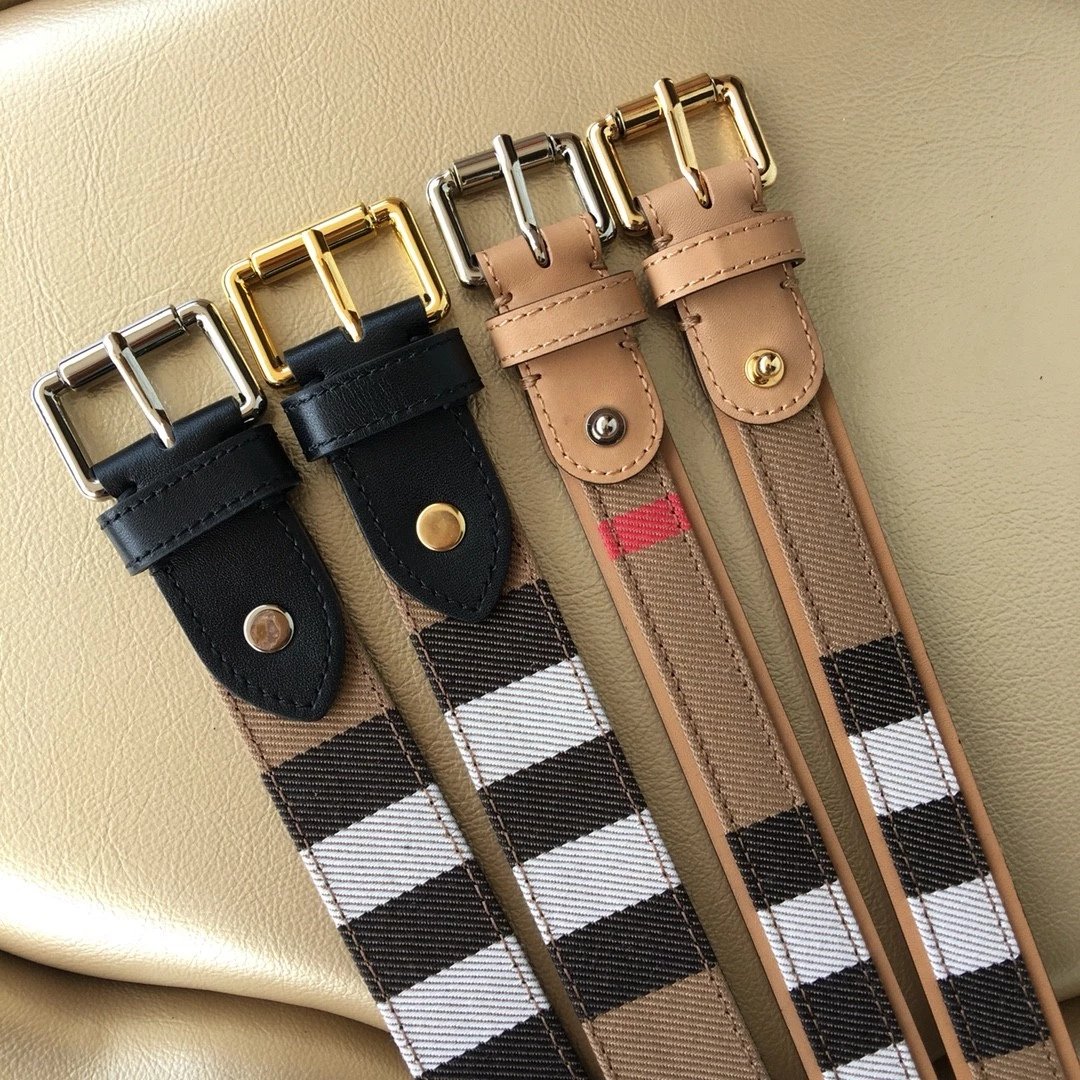
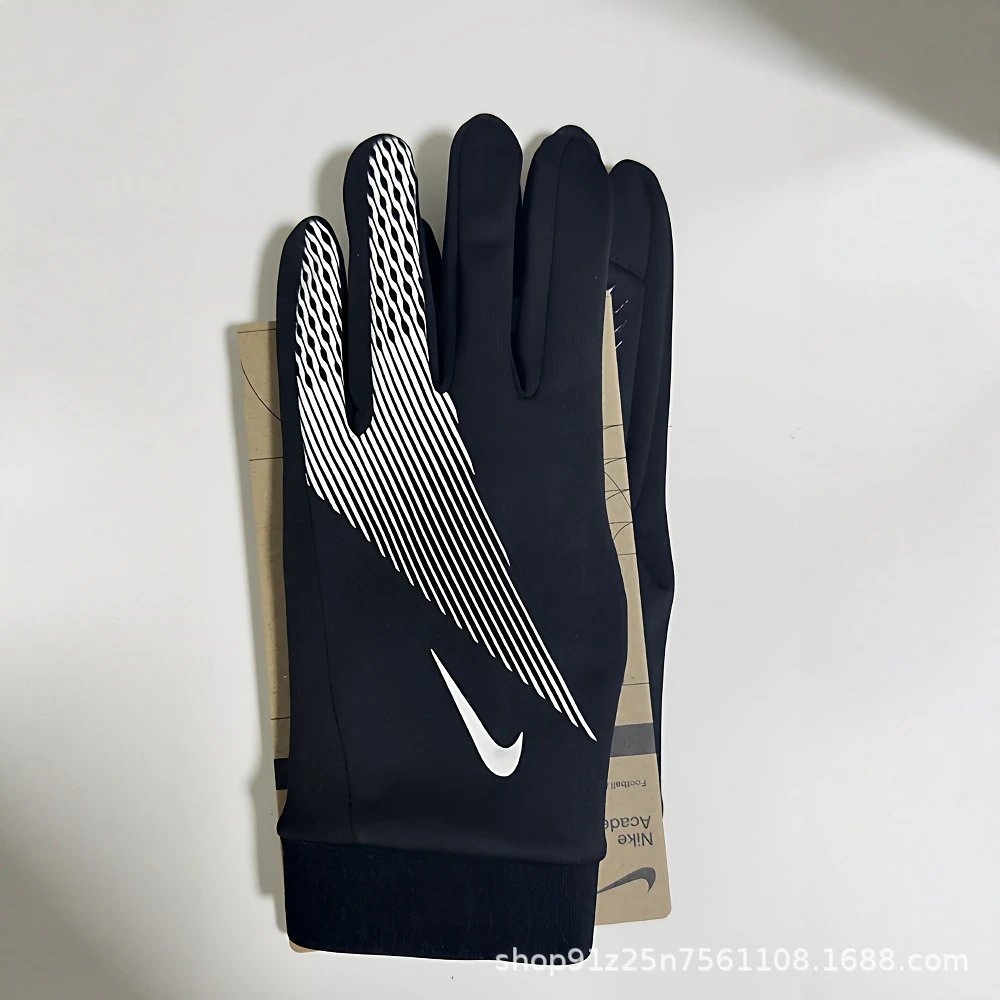
Bags, headwear, eyewear, watches and other accessories are separated by type so you can follow a find back to its exact source.
Browse the available electronics types. Similar-looking items can have different specifications, so follow the source description for details.
Explore items outside the main clothing and electronics departments, or narrow your search with a name or reference photo.
USFans Select is an independent USFans spreadsheet for browsing source items by name, category or reference photo. Open an item to compare its listing photos, pictured styles and available QC references, then use its USFans link to check the exact source item on the official platform.
Use the homepage search if you have a product name in mind. Otherwise, choose a department and then a more specific category. The spreadsheet also lets you change brand and sort order immediately; moving between result pages keeps those choices in the URL.
Upload a supported screenshot or product photo in Image search. A clear picture of one item works better than a crowded scene. The matches show visual similarity, so compare the source item and its detail photos before deciding that you have found the same design.
US dollars are the default for a first visit, and the header lets you choose another currency. These converted listing prices help compare finds. For the actual option you want, open USFans and confirm its current quotation there; clicking a style thumbnail here only changes the preview.
The main gallery shows listing and style images. Existing QC references appear in a separately titled area below the product section. They can help you compare visible details of the associated source item, but they do not inspect or guarantee a future order.
Not every source item has QC references available. The page states when none are present rather than substituting seller pictures. You can still examine the listing images and source link; an empty QC section by itself does not establish the quality or availability of an item.
Style buttons preview photographs on this website. They do not reserve stock or select an order option on USFans. After opening the official product page, check the source item ID and choose the actual size, color and other options there.
Click a main image or a QC reference to open the photo viewer. The page uses filled image frames, while the viewer lets you inspect the complete photograph. Use its zoom and next-image controls to compare details, then close it to return to your place on the product page.
A supported Weidian source item opens through /product/3/ followed by its numeric ID, with ref=ZG4JNV. Source item 7342784466 therefore maps to /product/3/7342784466. The source URL, platform and ID must agree; a matching title or image is insufficient to generate the link.
It copies the original source URL belonging to the item, including its itemID. Paste the complete URL when you want to compare that exact seller listing. The button reports whether copying succeeded; if clipboard access is blocked, follow the displayed error instead of assuming the link was copied.
The registration link opens www.usfans.com/register?ref=ZG4JNV. Product links also lead to the official USFans platform. Account creation, actual option selection and checkout happen there. Check the destination address before entering your account information.
This is an independent product guide with affiliate links. Eligible activity through the registration or supported product links may earn this website a commission. This does not establish official endorsement, a discount, item availability or a quality guarantee.